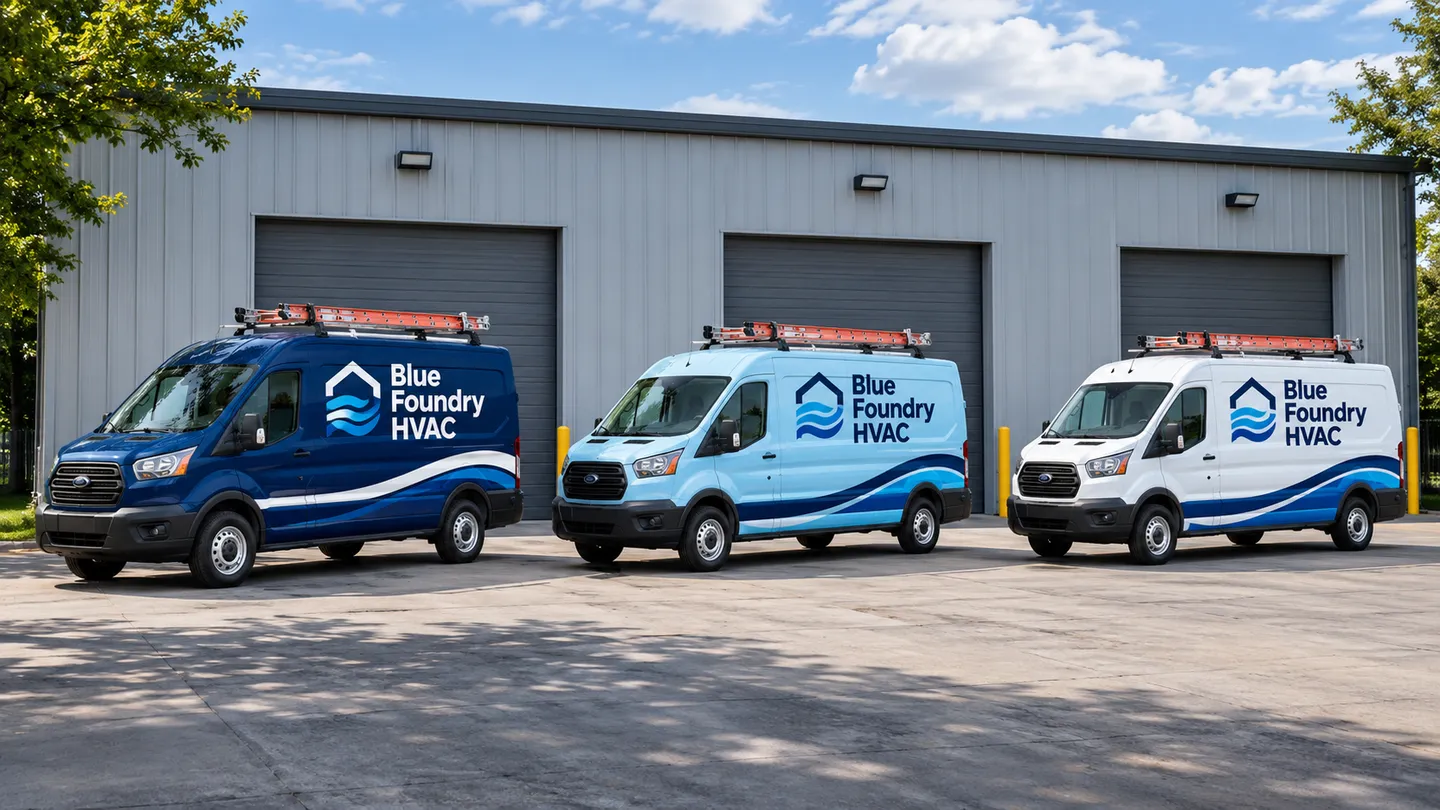
Define the operating requirement
Record the total vehicles in the proposed scope and the minimum the business expects to keep available. Ask dispatch, branch managers or the fleet coordinator about commitments that a marketing contact may not know. Identify specialized vehicles that cannot simply substitute for another unit. A fleet-wide count can hide those constraints, so keep exceptions beside the planning scenario. Do not assume a vehicle is available merely because it is not assigned in a general spreadsheet.
- List known service commitments and vehicle-specific restrictions.
- Identify who can authorize a vehicle to leave the operating pool.
Build provisional batches
Choose a proposed batch size using the operating limit and the installation-slot assumption being modeled. Record the assumed duration and planning workweek. Keep these fields visibly hypothetical until the supplier confirms arrangements. Review whether vehicle groups differ in preparation or coverage, since a single duration may not fit all of them. The scenario should reveal conflicts and questions rather than make a promise about how quickly a shop will return the entire fleet.
- Separate units with removal or condition questions.
- Mark requested start and deadline dates as preferences.
Review the scenario with the actual parties
Share the proposed batches with the supplier and operations contacts. Ask what information or approvals are required before dates can be confirmed. Update the schedule when actual capacity, preparation or vehicle movement differs from the assumptions. Preserve the earlier scenario as a planning record, but identify the confirmed version clearly. At each handoff, record the unit and its status so the business does not count a planned return as a vehicle already available for work.
- Keep a contact responsible for schedule updates and escalation.
- Record confirmed changes where affected people can find them.
Keep a working record
Before you approve the next step
- Operating minimum established.
- Specialized-unit constraints recorded.
- Proposed batch size checked.
- Duration and slots labeled as assumptions.
- Supplier and operations review completed.
- Confirmed version distinguished from the scenario.
Use the free planning tool to organize the details you can confirm and the questions still open.
Four questions before the next step
Does the scheduler reserve installation slots?
No. It models the values you enter. Confirm actual capacity, preparation requirements and dates directly with the project contact before treating the calendar as an appointment record.
Read the detailed guide: Plan fleet graphics around vehicle availability
Can all vehicles use one assumed duration?
Use that only as a clearly labeled scenario. Different preparation, coverage or vehicle conditions may need separate planning. Ask the supplier how those differences should be reflected in the actual schedule.
Read the detailed guide: Plan fleet graphics around vehicle availability
Should an unready vehicle hold the whole batch?
That depends on the confirmed scope and operating arrangements. Identify the affected unit and discuss a revised sequence with the supplier and fleet contact rather than silently substituting another vehicle.
Read the detailed guide: Use readiness checks before releasing each fleet batch
Can a driver approve an on-site artwork change?
Only if the business has given that person the necessary authority. Name the approval contact before the batch arrives and keep changes connected to a revised record.
Read the detailed guide: Use readiness checks before releasing each fleet batch
Original technical sources
Use the linked publisher's current instructions for the exact product and vehicle. This planning guide does not replace its application, safety or warranty requirements.