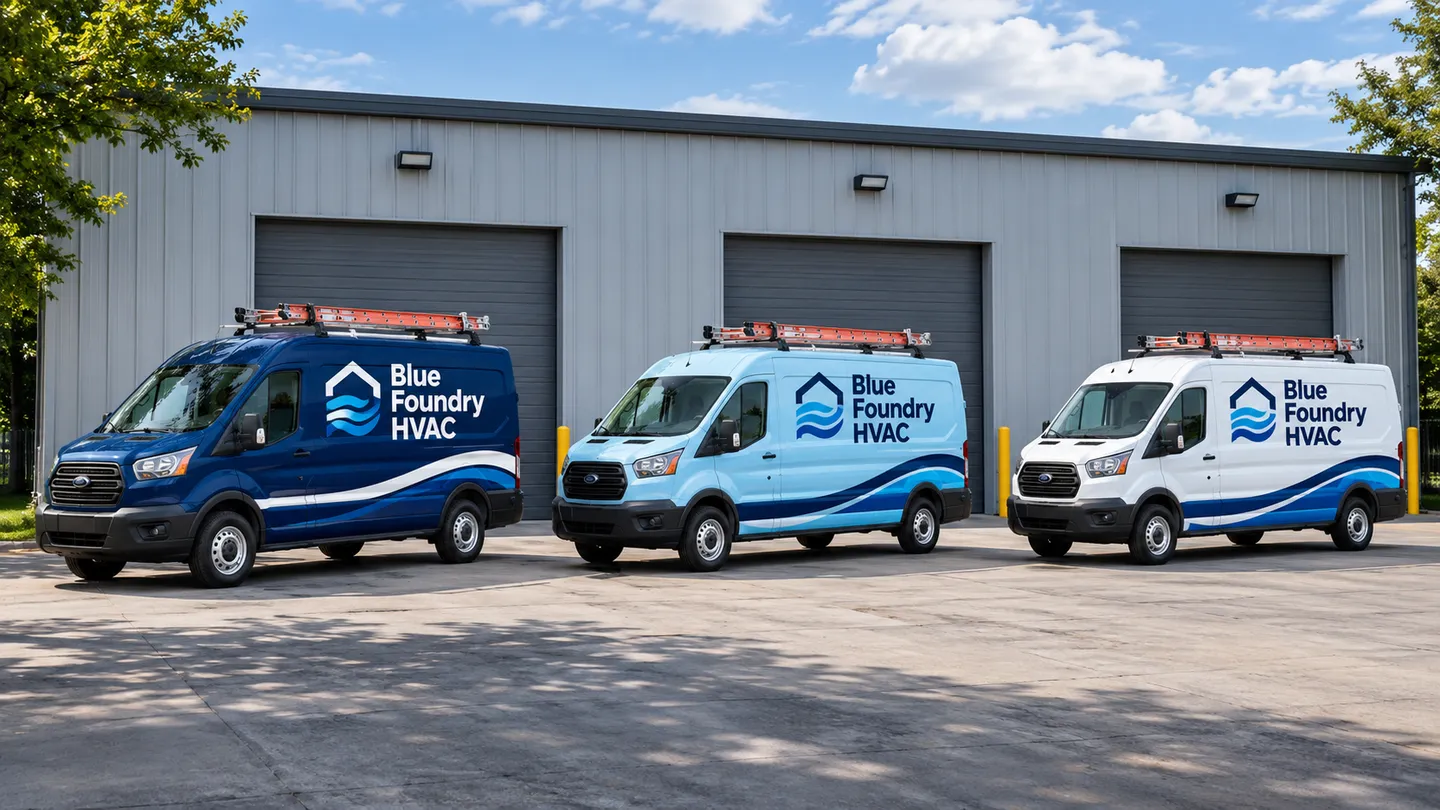
Check the records that production relies on
Identify the units, exact configuration groups and approved artwork revision for the proposed batch. Verify the business wording and requested coverage against the accepted scope. If a vehicle has changed since the photographs were supplied, update its reference before release. Keep unresolved details attached to the affected unit rather than spreading uncertainty across the entire fleet. A batch is not production-ready simply because its place on the calendar has arrived.
- Link each unit to its approved layout and current photo record.
- Identify the person authorized to resolve artwork or body questions.
Confirm vehicle readiness without guessing
Review known existing graphics, paint or body repairs and access issues with the supplier. Ask what preparation is required for the actual planned work and who performs it. Do not invent a universal cleaning, curing or arrival rule from another job. Keep the relevant instructions with the batch record and tell drivers what they need to know. If the condition changes before drop-off, report it rather than assuming the earlier assessment still describes the vehicle.
- Record practical drop-off, collection and equipment-access arrangements.
- Separate a condition observation from a promise of surface suitability.
Release and receive the batch with evidence
Use a clearly recorded authorization when the required checks and arrangements are confirmed. At receipt, identify each actual unit and record deviations from the planned list. Keep completion status separate from return-to-service status, since transport and internal checks may still be needed. Carry unresolved items into a follow-up list with an owner. This gives the next batch a reliable starting point instead of allowing one missing vehicle or unfinished action to disappear inside an overall fleet count.
- Keep the released and received unit lists reconcilable.
- Return accepted field changes to the relevant master artwork record.
Keep a working record
Before you approve the next step
- Units and configuration groups identified.
- Correct artwork approved.
- Scope and coverage confirmed.
- Preparation instructions received.
- Drop-off and collection arranged.
- Actual completion and return status recorded.
Use the free planning tool to organize the details you can confirm and the questions still open.
Four questions before the next step
Should an unready vehicle hold the whole batch?
That depends on the confirmed scope and operating arrangements. Identify the affected unit and discuss a revised sequence with the supplier and fleet contact rather than silently substituting another vehicle.
Read the detailed guide: Use readiness checks before releasing each fleet batch
Can a driver approve an on-site artwork change?
Only if the business has given that person the necessary authority. Name the approval contact before the batch arrives and keep changes connected to a revised record.
Read the detailed guide: Use readiness checks before releasing each fleet batch
Does the scheduler reserve installation slots?
No. It models the values you enter. Confirm actual capacity, preparation requirements and dates directly with the project contact before treating the calendar as an appointment record.
Read the detailed guide: Plan fleet graphics around vehicle availability
Can all vehicles use one assumed duration?
Use that only as a clearly labeled scenario. Different preparation, coverage or vehicle conditions may need separate planning. Ask the supplier how those differences should be reflected in the actual schedule.
Read the detailed guide: Plan fleet graphics around vehicle availability
Original technical sources
Use the linked publisher's current instructions for the exact product and vehicle. This planning guide does not replace its application, safety or warranty requirements.